
Overview
Workspace settings allow you to configure options that apply to your entire workspace. These settings are managed separately from organization-level administration features.
Accessing Workspace Settings
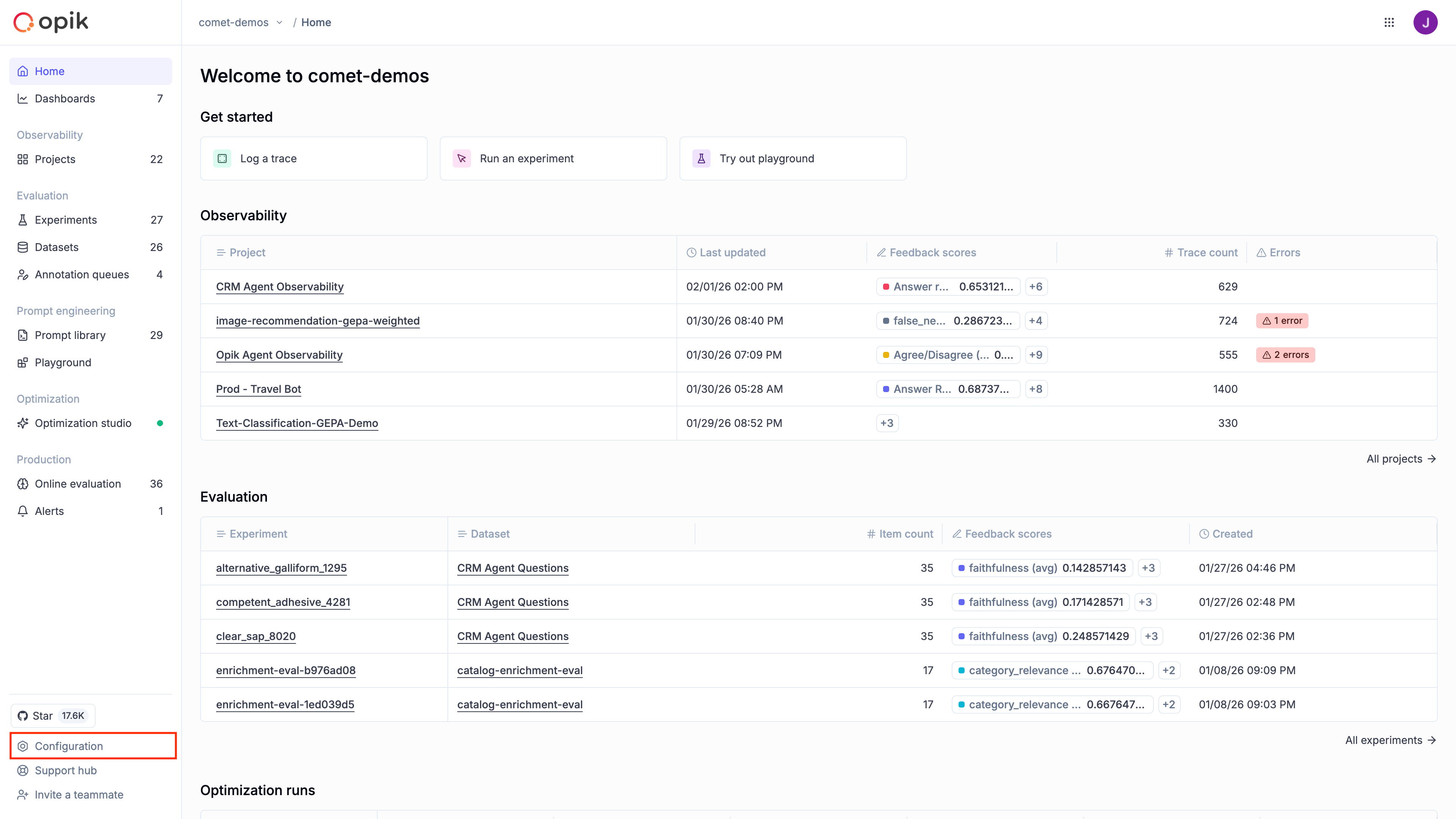
Section titled “Accessing Workspace Settings”- Navigate to your workspace in Opik
- Click on Configuration in the left sidebar
- Select the appropriate tab for the setting you want to configure
Who can access Workspace Settings?
Section titled “Who can access Workspace Settings?”- Workspace owners can access all settings including member management and preferences
- Workspace members with appropriate roles can access feedback definitions and AI providers
Available Settings
Section titled “Available Settings”Feedback Definitions
Create custom labels for evaluating LLM outputs with structured feedback types.
AI Providers
Configure connections to LLM providers for the Playground and Online Evaluation.
Workspace Preferences
Configure workspace-wide preferences like thread timeout and data truncation.
Workspace Members
Manage workspace members and their access (Cloud/Enterprise only).
Next steps
Section titled “Next steps”- To create custom feedback types, see Feedback Definitions
- To connect LLM providers, see AI Providers
- To manage workspace members (Cloud/Enterprise), see Workspace Members